
iOS app development company for native Swift apps on iPhone and iPad
ScalaCode builds native iPhone and iPad apps in Swift and SwiftUI, and plans each release around App Store review. If your app would do as well on Flutter or React Native, we tell you in discovery.


1,300+ clients in 45+ countries
Clutch 4.8/5 from 33 verified reviews
Trusted by teams at







What iOS app development includes
Writing the Swift code is one part. Review, privacy rules and the yearly iOS release decide whether the app stays live.
- What is iOS app development?
- iOS app development is the design, engineering and release of apps for iPhone and iPad, usually written natively in Swift with SwiftUI or UIKit in Xcode. It covers the app itself, its backend and APIs, App Store Connect submission and review, and the updates each new iOS version requires.
Related: mobile app development, cross-platform app development and MVP development.
iPhone and iPad app development we do
Native Swift work for the apps that need it, from a first release to a codebase you have run for years.
iPhone apps in Swift
Consumer and business apps in Swift and SwiftUI, with UIKit for screens that need finer control over layout and animation.
iPad apps
Layouts that use the larger screen, with keyboard support and multitasking, for teams in the field, on the shop floor or in clinics.
Camera, AR and device features
ARKit, advanced camera work and background processing. These are the cases where native Swift pays for itself.
Widgets and Apple Watch apps
We build WidgetKit home screen widgets and WatchKit apps that share data with the iPhone app.
Payments and subscriptions
Apple Pay, Stripe and in-app purchases, with each paid feature mapped to the App Store payment rules before it is built.
Existing app takeovers
We take over Swift and Objective-C codebases after a technical audit and run a stabilisation sprint before any new features.
Hire iOS developers insteadNative Swift or cross-platform: when Swift app development pays off
Most business apps run well on Flutter or React Native. Native Swift earns its higher cost when the app lives on device hardware or must feel exactly like iOS.
| Native Swift | Flutter or React Native | |
|---|---|---|
| Best for | Advanced camera, AR, heavy background work, widgets and Apple Watch, apps that must follow iOS design closely | Content, marketplace, booking and form-heavy apps that need iOS and Android together |
| New iOS features | Available on the day Apple releases them | Through plugins and native modules, after a delay |
| Android | A separate Kotlin app if you need one | Included from the same codebase |
| Where it falls short | Android doubles the work, with two codebases to maintain | Graphics-heavy and deep platform work need native code anyway |
If both stores matter from launch, see cross-platform app development.
Why iOS apps fail App Store review, and how we plan for it
Most rejections come from a short list of App Review Guidelines. We build against that list from the first sprint.
Crashes and unfinished screens
Reviewers reject builds that crash, show placeholder content or link to features that do not work yet. Every build runs through TestFlight and staging before submission, with crash reporting already live.
No way for the reviewer to sign in
Apps behind a login get rejected when the reviewer has no working account. We send a review account and review notes with every submission.
Digital goods sold outside in-app purchase
Subscriptions and digital content sold inside the app generally have to use Apple's in-app purchase. Each paid feature is mapped to in-app purchase, Apple Pay or Stripe during discovery.
Missing account deletion and privacy details
Apps that let users create an account must let them delete it in the app, and every app needs accurate privacy details. Account deletion, the app privacy details and the privacy manifest are on our launch checklist.
iOS app rejected, or crashing since the last iOS update?
Send the rejection note or the crash report. A technical audit comes first, then a stabilisation sprint before new features.
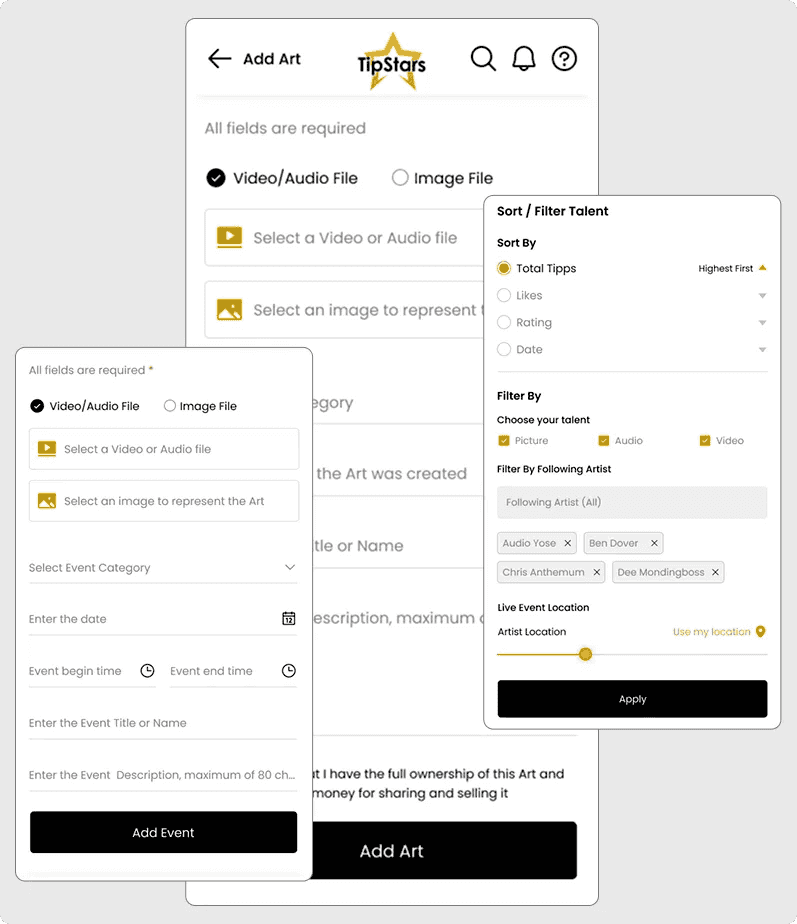
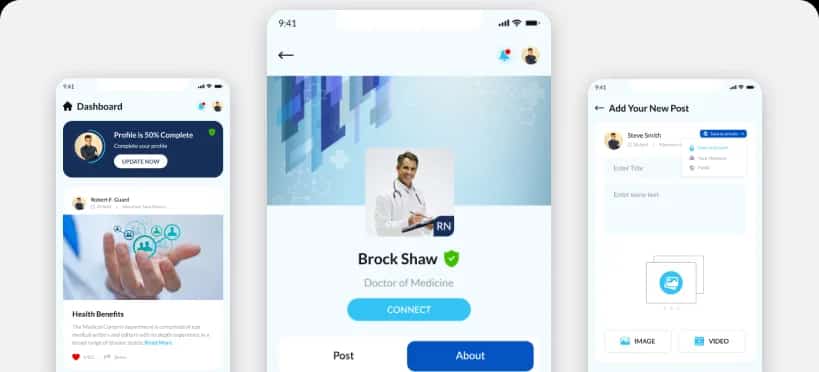
TipStars: a native Swift and Kotlin app where fans tip artists
Built for founder James Ellis. The iOS app is written in Swift and the Android app in Kotlin, both on one Laravel backend hosted on AWS. Fans tip by card or bank account in multiple currencies, tips, likes and follows update live, and artists promote their events in the app.
native apps on one Laravel backend
Founders on camera, talking about their apps
All case studies

How we build an iOS app, from discovery to App Store release
A TestFlight build on your own iPhone at the end of every two-week sprint.
The iOS stack we work in
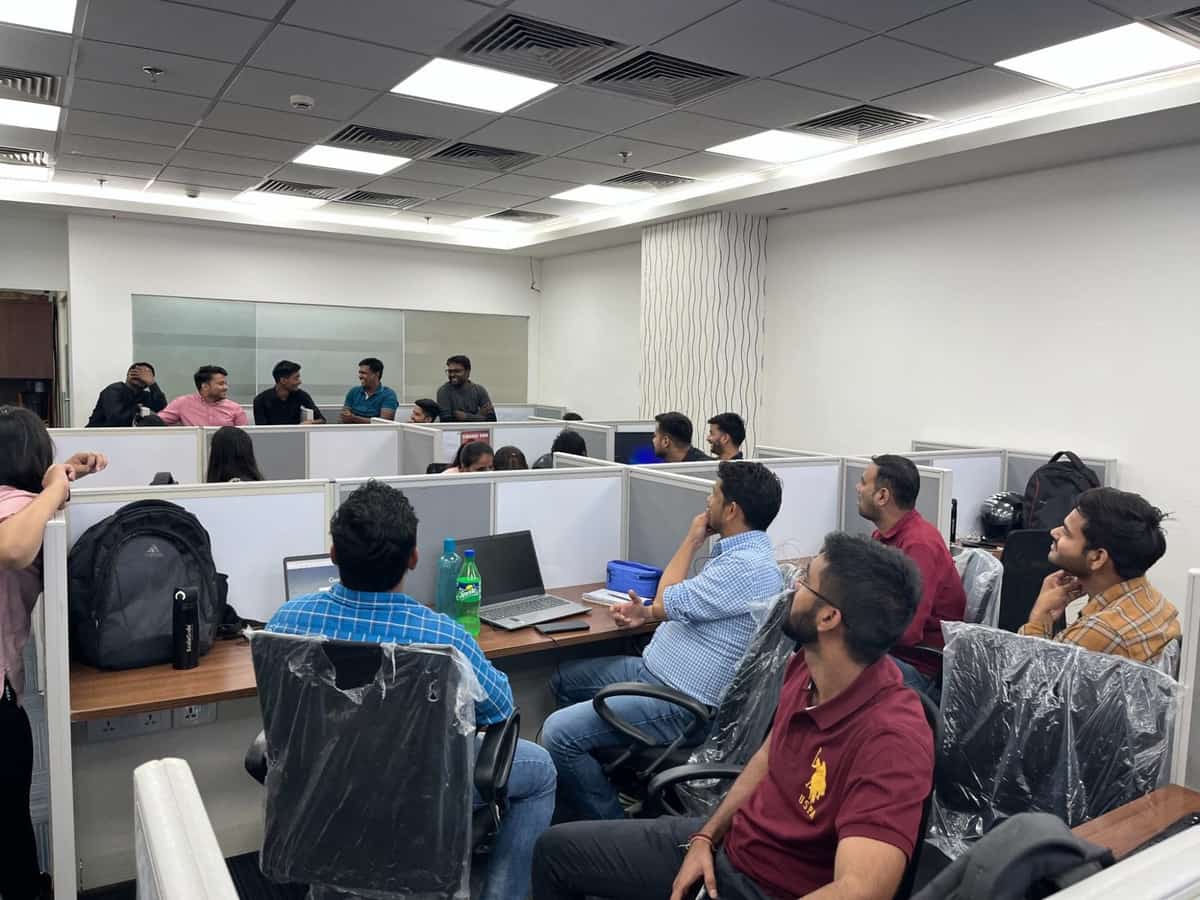
14 years of shipping apps through App Store review
projects shipped since 2012
clients across 45+ countries
AI systems running in production
on Clutch, from 33 verified reviews
iOS app development cost and engagement models
A first iOS release with one core workflow is scoped like an MVP, from $9,999 in 6 to 8 weeks. Dedicated iOS developers start from $1,799 a month, full-time.
Project-based
Scope, timeline and milestone payments agreed after discovery. We own delivery through App Store launch.
Best for a first iOS release with a known feature set.

Dedicated team
Engineers who work only on your product, inside your process and tools.
Best for an app you will keep extending release after release.
Hire mobile developers
Time and materials
Pay for the hours used, with a monthly cap, while the scope is still moving.
Best for rejection fixes, iOS upgrade work and prototypes.
Rated 4.8/5 by the clients we build apps for
Verified reviews from Clutch and GoodFirms, and clients on camera.
33 verified reviews on Clutch
 Clutch review★★★★★
“They gave us clear timelines and met them.”
Clutch review★★★★★“The iOS and Android apps exceeded the expectations of the internal team.”
Clutch review★★★★★“The team helped me developed an app for IOS and Android and were always on point to address my requests.”
 Trustpilot review★★★★★
“The team was easy to communicate with, kept us updated, and delivered an app that looks modern and works smoothly on both iOS and Android.”
 GoodFirms review★★★★★
“They built a high-performance, AI-powered platform that transformed video engagement for learning.”
“They led the team to develop the app I was looking for.”
“The company is very responsive and always take the extra mile to help you out.”
iOS app development FAQs
Ask anything not covered here on the call.
How much does iOS app development cost?
A first iOS release with one core workflow starts from $9,999 and takes 6 to 8 weeks. Larger apps are quoted after a free discovery sprint. Dedicated iOS developers start from $1,799 a month, full-time.
How long does it take to build an iOS app?
A first release with one core workflow takes 6 to 8 weeks, scoped like an MVP. Larger apps get a written schedule after the discovery sprint, and our engineers use AI coding agents to ship them faster.
Should we build a native iOS app or use Flutter or React Native?
Build native in Swift when the app depends on advanced camera work, AR, heavy background processing, widgets or Apple Watch. If you need iOS and Android together for a content, marketplace or booking app, Flutter or React Native costs less for the same scope. We recommend one in discovery.
Do you build in SwiftUI or UIKit?
New screens are built in SwiftUI. We use UIKit where a screen needs finer control, and in existing apps that are already written in it. Both live in the same app without trouble.
Do you handle App Store submission and rejections?
Yes. We set up App Store Connect, prepare screenshots, privacy details and review notes, and answer reviewer questions. If a build is rejected, we fix the cited guideline and resubmit.
Can you take over our existing iOS app, including Objective-C code?
Yes, after a technical audit of the code, the build setup and open crash reports. Most takeovers start with a four-week stabilisation sprint. Objective-C code can stay in place and be replaced with Swift screen by screen as features change.
Do we need an Android app at launch too?
Not always. If your users are mostly on iPhone, launching on iOS first keeps the first release smaller, and the Android app follows once usage proves the product. If both stores matter on day one, a cross-platform app is usually the better plan.
How do you handle new iOS versions each year?
We test the app against each iOS beta and fix issues before the public release. SDKs, privacy requirements and the minimum supported iOS version are reviewed at the same time.
Who owns the code and the App Store account?
You own the source code and IP under the agreement signed at discovery. We recommend publishing under your own Apple Developer account, so the app listing, reviews and revenue stay with you.
Their approach, dedication and project execution played a critical role in TipStars' success.
 James EllisFounder, TipStars
Get a plan for your iPhone app in 30 minutes
- A free 30-minute call with the ScalaCode team
- Whether your app needs native Swift or suits cross-platform
- What it costs and how long it takes to reach the App Store