
Breaking news: Amazon is taking another big step into digital healthcare. They have launched a new AI-powered Health Agent on their website and app, giving users instant access to medical guidance.
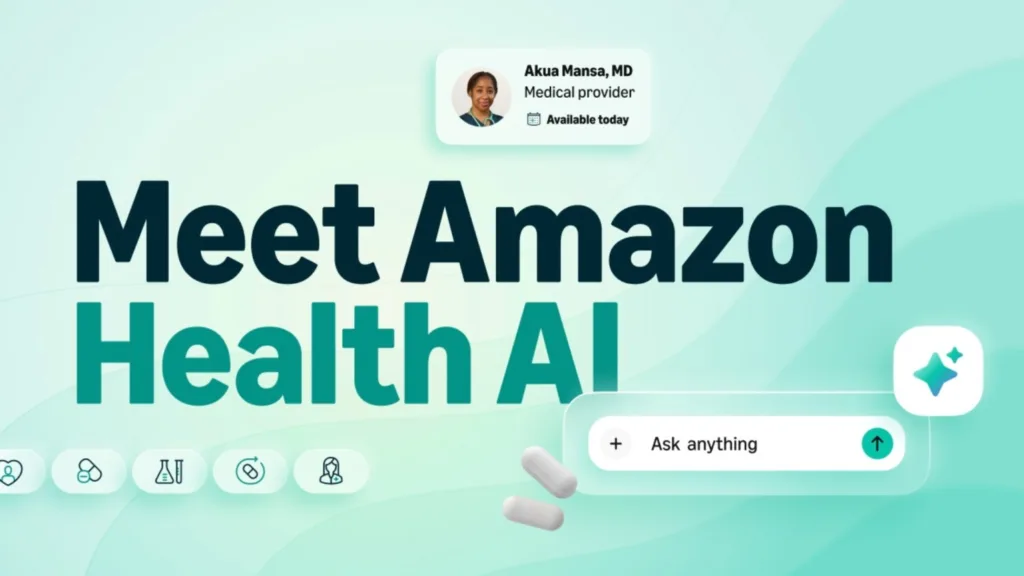
First, let’s look at the key takeaways:
- Amazon’s new Health AI agent can provide personalized health insights and guidance
- This agent takes meaningful action, including booking appointments and managing prescriptions
- Eligible Prime members can use the Health AI agent for free and can receive direct message care visits with a One Medical provider for any of 30+ common conditions
Did you know what the features this jaw-dropping agent has?
Key Features of Amazon’s Health AI Assistant
Besides being personalized, this new healthcare AI assistant has plenty of stunning features; let’s have a look:
- This agent is available 24/7. Not only this, but you can also ask health-related questions anytime and receive instant responses.
- The next feature is Symptom and Condition Insights, where users can understand common symptoms and suggest the appropriate level of care.
- You can provide your own data to the agent and can get personalized health information.
- Next, you can provide the healthcare agent with your lab reports, and the assistant can explain medical reports and lab results in simple terms.
- Users can book appointments with healthcare professionals directly through the assistant.
- Last but not least, eligible Amazon Prime members can access virtual consultations for several common health conditions.
Now, next, the question someone can think of is, “How do I get started with Health AI and personalize it for me?” Well, we have talked about this as well. Let’s see how you can make it personalized for you and use it to its best.
How to Get Started with Health AI and Personalize Your Experience
- Sign Up for Access: First, you have to sign up for access to the Health AI feature. After signing up, the users will receive an email notification once the service becomes available to them.
- Create or Log In to Your Health Profile: After access is granted, users need to create an Amazon Health Profile with two-step authentication on their device.
- Start a Health Conversation: Now, users can use the agent and start chatting with it. You can type your health-related questions into the Health AI chat box on Amazon.com or within the Amazon app.
- Use Purchase Data for Better Insights: To get more accurate results, you can also purchase health devices like vitamins or blood pressure monitors.
- Receive Personalized Health Guidance: The AI analyzes the available information and provides tailored insights based on the user’s health history and symptoms.
- Connect with Healthcare Providers: Now, in the next step, you can also connect with the professionals if needed. The assistant can connect users with providers from One Medical through messaging, video consultations, or in-person visits.
- Manage Prescriptions: The AI agent can also help you connect with Amazon Pharmacy, from which you can purchase your medications on time.
Must Read: Role of AI Agents in Healthcare
The ScalaCode Take: AI Is Transforming Everyday Healthcare
Being in the software industry for years, ScalaCode has also built healthcare AI agents for our clients. We have years of experience in this, and we have also gotten the chance to review this new Amazon Health AI Agent.
After reviewing the agent, we believe that it can simplify daily healthcare-related interactions. Not only this, but it can also help you in understanding symptoms and medical reports, to connect users with professionals from One Medical. The assistant demonstrates how intelligent systems can act as the first layer of support for patients.
If you also deal in the healthcare industry and want to simplify the communication between patient and professional, then ScalaCode can help you build your own healthcare AI agent.
Develop your custom solution with ScalaCode!