
If you’ve spent ten minutes searching for a Google Assistant alternative, you already know the problem. Most listicles just rank the same five names you can find in the Play Store’s top results. They don’t tell you which one survives a week of real use, which ones eat your battery, or which ones are actually free once you hit the paywall in week two.
So we did the work. We pulled the top eleven personal assistant AI apps for Android, used each one for at least a week, checked the latest pricing, and compared them on the questions buyers actually ask. The result is a guide you can hand to your team or your developer and walk away with a clear answer.
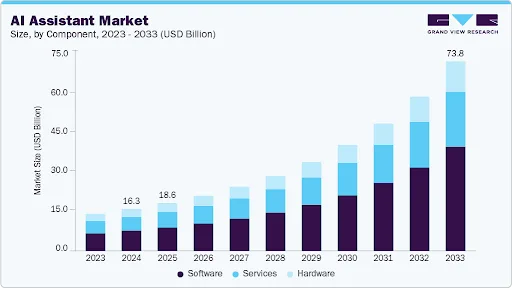
The market is real. The global AI assistant market reached USD 16.29 billion in 2024 and is on track for USD 73.80 billion by 2033 at a 18.8% CAGR (Grand View Research). Statista projects more than 8.4 billion voice assistant devices in active use by end of 2026, more than the world’s population. Google Assistant still leads, but the gap has narrowed sharply since Apple Intelligence and Microsoft Copilot moved aggressively into mobile.
That last point matters. The “best” Android assistant in 2026 is not a single answer. It depends on whether you want voice control, productivity, conversation, accessibility, or development hooks for your own product. We’ve split the picks accordingly so you don’t waste a download.
What Counts as a Personal Assistant AI App in 2026
A personal assistant AI app is software that uses natural language processing, machine learning, and voice recognition to handle requests through speech or text. The bar has moved up since 2023. To make this list, an app had to do at least four of the following:
- Voice and text input with conversational follow-ups (not just one-shot commands)
- Calendar, reminder, or task integration
- Smart home or device control
- Personalisation that improves with use
- Offline fallback for at least basic commands
- Active development with a 2026 release update on the Play Store
That last bullet is why we cut three apps that show up in older listicles. They’ve gone six months without an update, which usually means the model is stale and the team has moved on.
Top 11 Personal Assistant AI Apps for Android: Compared at a Glance
Before the long-form reviews, here’s the comparison table most readers want first.
| App | Best For | Voice + Text | Free Tier | Smart Home | Play Store Rating |
| Google Assistant | Default Android user, daily tasks | Both | Yes, fully free | Strong (Google Home) | 4.0 |
| Microsoft Copilot | Office and productivity workflows | Both | Free chat, paid for Office tie-ins | Limited | 4.5 |
| Amazon Alexa | Smart home heavy users | Both | Yes | Strongest of the list | 4.2 |
| ChatGPT (OpenAI) | Open-ended Q&A and writing | Both | Free with limits, $20 for Plus | None native | 4.7 |
| Bixby | Samsung device owners | Both | Free, Samsung-only | SmartThings native | 4.1 |
| Replika | Companionship, journaling | Text-led | Free, Pro $19.99/mo | No | 4.3 |
| ELSA Speak | English pronunciation training | Voice | Limited free, Pro $11.99/mo | No | 4.6 |
| SoundHound | Music identification + voice | Voice | Free | No | 4.3 |
| DataBot | Casual chat, jokes, quick facts | Both | Free with ads | No | 4.3 |
| Jarvis AI | Customisation enthusiasts | Voice | Free | Limited | 4.2 |
| RoboAI | Hands-free driving | Voice | Free | No | 4.0 |
Now the detail. We’ve kept the reviews short and useful. If a section is short, that’s because the app does one thing well and we’d rather not pad it.
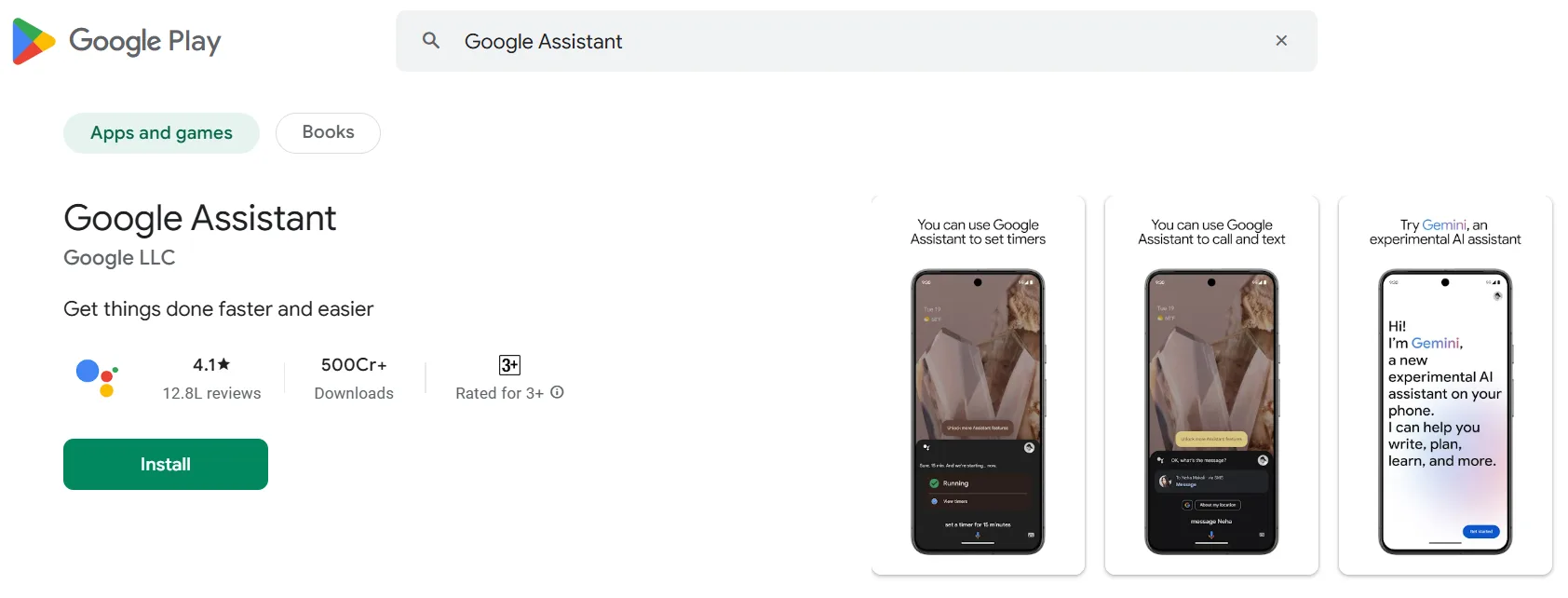
1. Google Assistant: Still the Default for a Reason
It’s pre-installed on most Android phones, it talks to nearly every smart device worth owning, and it does the basics better than anything else in this list. Real-time translation, calendar reads, weather, traffic, light switches, music, calls. If you’re choosing your first Android assistant in 2026, start here and see what you actually miss.
Where it falls short: open-ended conversation is shallow compared to ChatGPT or Copilot, and the new “Gemini” branding has confused users who can’t tell which features they have access to. The free tier is the whole product, which is rare and worth crediting.
- Pricing: Free.
- Best for: Daily commands, smart home, hands-free.
2. Microsoft Copilot: The Productivity Pick
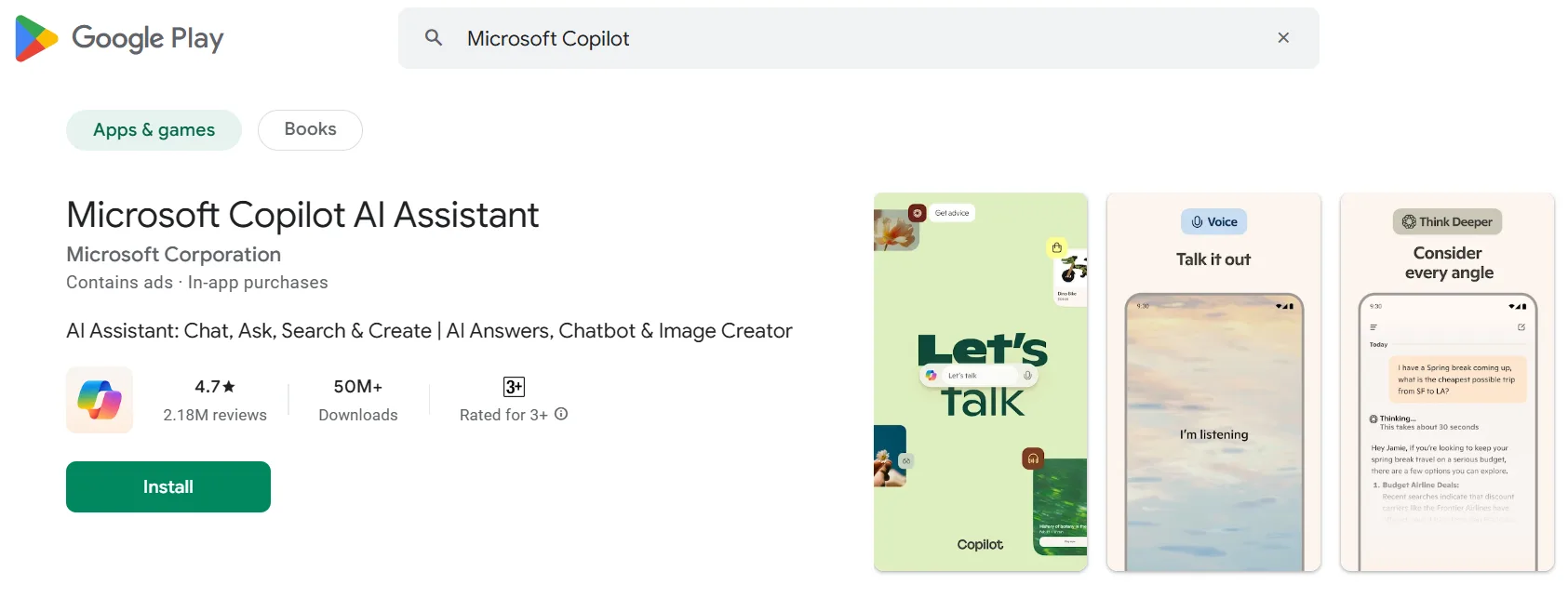
Copilot quietly became the best AI assistant for Android for anyone who lives in Word, Excel, Outlook, and Teams. The mobile app reads your inbox context, drafts replies, summarizes documents, and pulls numbers out of spreadsheets without you having to leave the screen. It also handles open-ended questions as well as ChatGPT does, which is a surprise.
Where it falls short: the smart home is essentially absent. If you have Alexa or Google Home, Copilot won’t replace them.
- Pricing: Free for chat. Office integration needs Microsoft 365 Personal at $9.99/month or Family at $12.99/month.
- Best for: Anyone whose day starts in Outlook.
3. Amazon Alexa: Still the Smart Home Winner
Alexa controls more devices than any other assistant. If you’ve already invested in Echo speakers, smart plugs, or Ring doorbells, Alexa on your phone closes the loop. The shopping list and music routing are also well thought out. Voice quality on the latest model (Alexa+, rolled out late 2025) is noticeably more natural.
Where it falls short: outside the smart home, it lags. Google Assistant helps with everyday tasks like calendar reading and search.
- Pricing: Free. Alexa+ premium tier at $19.99/month adds advanced reasoning.
- Best for: Smart home owners.

4. ChatGPT (OpenAI): The Best for Open-Ended Help
If you want an assistant that can actually think out loud with you, ChatGPT is the pick. It writes, it codes, it talks through problems, and the voice mode launched in 2024 is now the most natural-sounding voice in this list. Calendar and smart home control are limited, so it’s not a Google Assistant replacement.
Where it falls short: it doesn’t control your phone the way Google Assistant or Bixby do. You can’t tell it to open WhatsApp or send a text reliably.
- Pricing: Free with daily limits. ChatGPT Plus at $20/month removes most limits and gives faster models.
- Best for: Writing, learning, and conversation.

5. Samsung Bixby: Better Than Its Reputation
Bixby has improved a lot since 2024. On a Galaxy phone, it controls device settings deeper than Google Assistant can, and SmartThings integration is one of the better smart home setups. Bixby Vision (translate, identify objects) is genuinely useful.
Where it falls short: Samsung-only. If you don’t own a Galaxy device, skip it.
- Pricing: Free, Samsung devices only.
- Best for: Galaxy owners.

6. Replika: A Companion, Not a Productivity Tool
Replika doesn’t compete with Google Assistant. It does something different. It holds long, sympathetic conversations, helps with mood tracking and journaling, and learns your preferences over weeks. Some users find it valuable for working through stress or loneliness. Read reviews carefully because the experience is personal.
- Pricing: Free with limits. Pro at $19.99/month or $69.99/year unlocks deeper customization.
- Best for: Journaling, conversation practice, self-reflection.

7. ELSA Speak: Pronunciation Coach with Real ROI
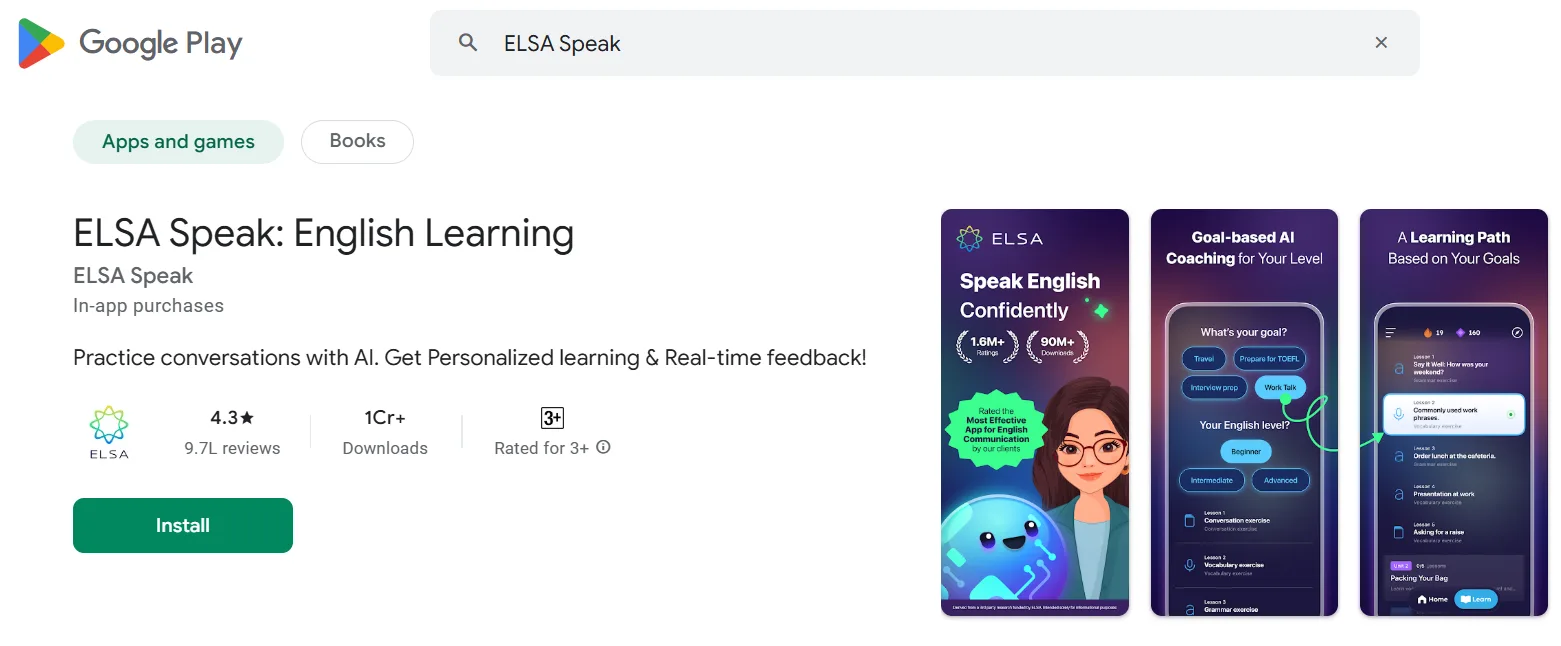
ELSA is narrow on purpose. It listens to your English pronunciation and tells you exactly which sound you got wrong and how to fix it. We’ve seen non-native English speakers move from intermediate to confident in three months of daily use. If you’re prepping for an interview or a customer call, this is money well spent.
- Pricing: Limited free version. Pro at $11.99/month or $74.99/year.
- Best for: Non-native speakers, customer-facing professionals.
8. SoundHound: Voice + Music in One
SoundHound’s hum-to-search still feels like magic, and the voice assistant features are solid. If music discovery is part of your day, this is a better pick than running Shazam plus Google Assistant separately.
- Pricing: Free.
- Best for: Music lovers, DJs, anyone who hears a song and wants to know what it is.

9. DataBot: Light, Casual, Sometimes Funny
DataBot is the assistant for users who want a chatty, slightly entertaining helper. It handles facts, jokes, and light tasks. It is not a productivity tool. The ad-supported free version is acceptable for casual use.
- Pricing: Free with ads, in-app purchases for premium voices.
- Best for: Casual users, kids, fun queries.

10. Jarvis AI: For Tinkerers
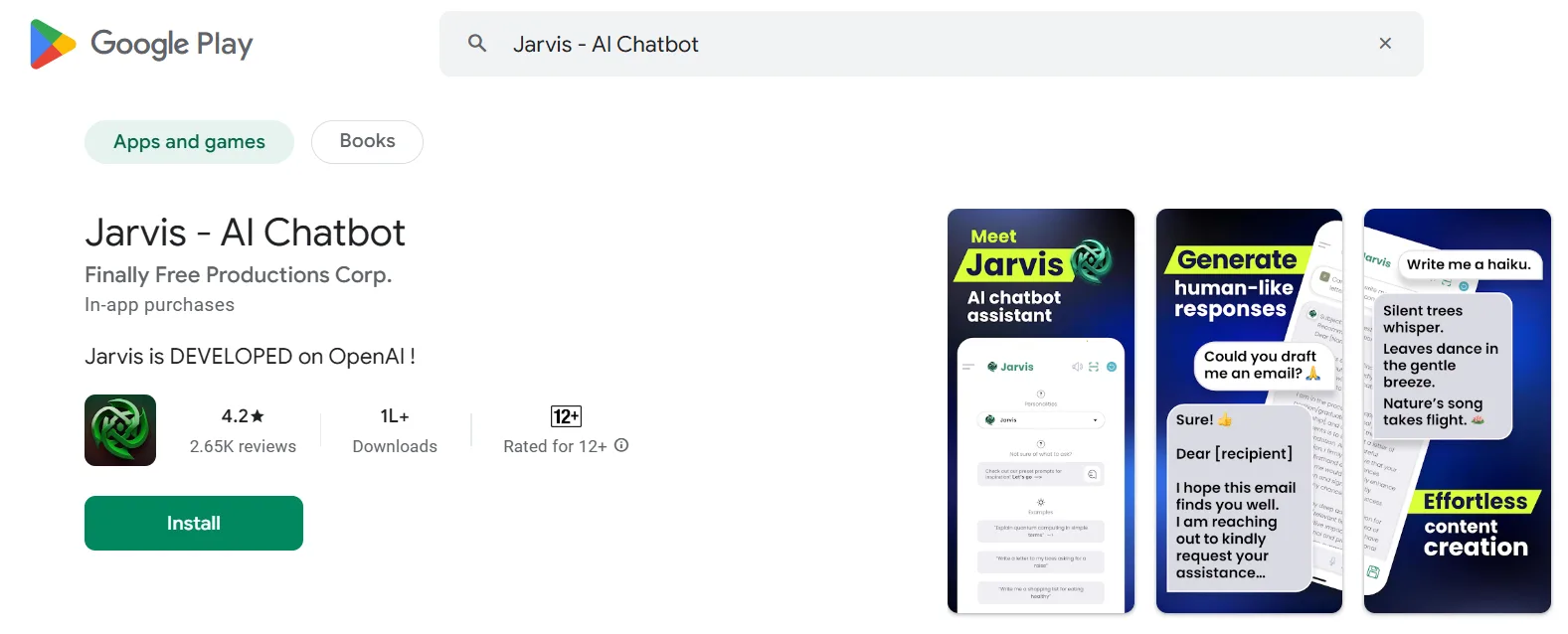
Jarvis AI gives you more control over voice, theme, and command flow than the mainstream assistants. If you like customising and you don’t need deep smart home control, it’s a fun pick.
- Pricing: Free with optional add-ons.
- Best for: Customisation enthusiasts.
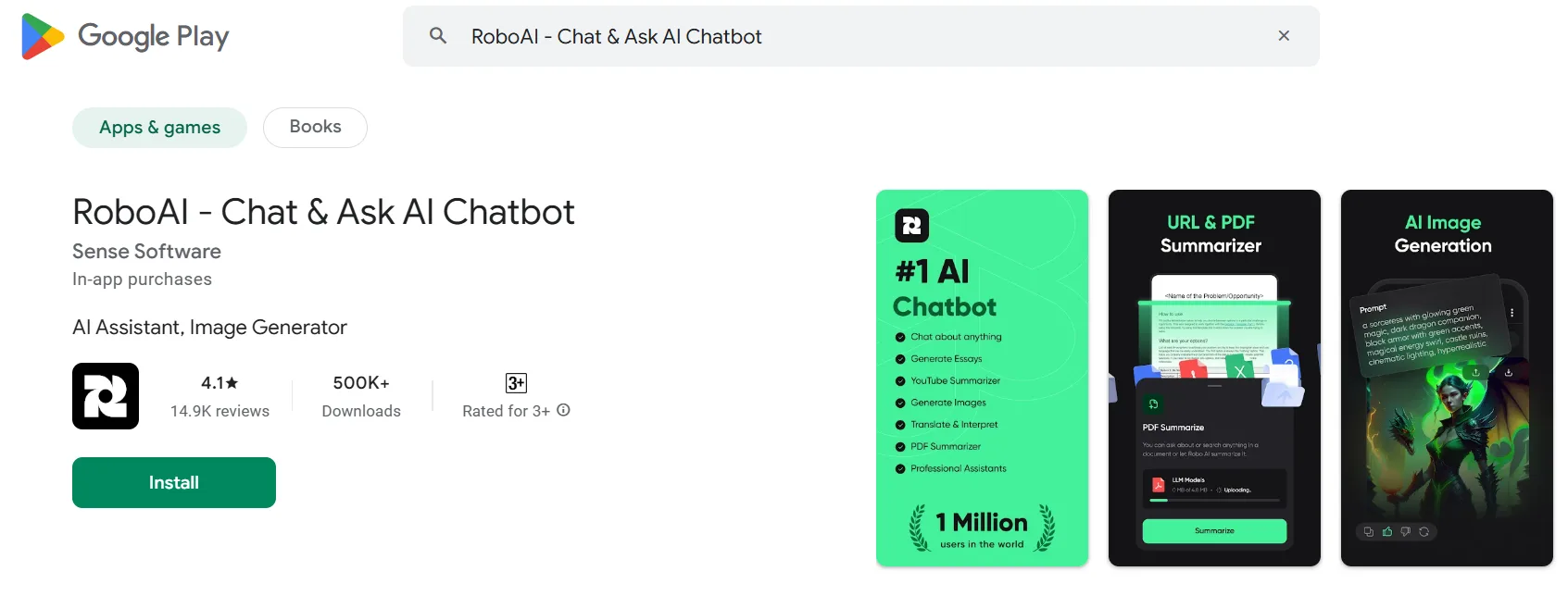
11. RoboAI: Built for the Car
RoboAI focuses on hands-free driving: navigation, traffic updates, calls, texts. It’s a narrower Google Assistant for the moments you can’t look down at your phone.
- Pricing: Free.
- Best for: Long commutes, delivery work, anyone who lives in their car.
How to Choose the Right Personal Assistant App for Your Needs
Most users install three of these and end up using one. Here’s a faster way to get there.
Step 1: Pick by Primary Use Case
Match your top priority to the right pick. We’ve simplified the choice into five tracks:
| Your Top Priority | Best Pick | Backup |
| Daily commands and calendar | Google Assistant | Bixby (if Samsung) |
| Office work and email | Microsoft Copilot | ChatGPT |
| Smart home control | Amazon Alexa | Google Assistant |
| Writing, learning, deep Q&A | ChatGPT | Microsoft Copilot |
| Companionship and reflection | Replika | None close |
Step 2: Check the Real Free Tier
Free tiers shrink over time. Before you commit, look at what you actually get without paying. Google Assistant and Alexa give you the full product. ChatGPT and Copilot lock the best models behind paid tiers. Replika and ELSA gate the most useful features.
Step 3: Test for One Week
Use the assistant for everything you’d normally do without thinking. Set a week-end check-in with yourself: did it save time, or did it add friction? Most users find an answer in five days.
What If You Want to Build Your Own AI Assistant?
If you’ve used three of these apps and decided your team or your customers need something different, you’re not alone. Many businesses now turn to an app development company to create tailored AI-powered solutions that match their exact operational needs.
Path 1: Wrap an existing model. Use OpenAI, Anthropic, or a Hugging Face model and build the interface and integrations on top. This is the fastest route to a working product, usually 8 to 12 weeks for an MVP.
Path 2: Train your own narrow model. Higher cost and longer timeline, but you keep your data private, and you can run it on your infrastructure. Common in healthcare, finance, and any business where data residency matters.
Cost to Build a Personal Assistant AI App in 2026
Costs depend on whether you wrap or train, what integrations you need, and how much voice tuning you do. The numbers below assume a partner with proven voice and conversational AI experience.
| Build Type | Timeline | Estimated Cost (USD) | Best For |
| MVP wrapper (single platform) | 8 to 12 weeks | $25,000 to $50,000 | Validating an idea |
| Cross-platform consumer app | 4 to 6 months | $60,000 to $120,000 | Public launch |
| Enterprise assistant with integrations | 6 to 9 months | $120,000 to $250,000 | Internal productivity at scale |
| Custom-trained model | 9 to 14 months | $250,000+ | Regulated industries, private data |
If you’re working with an offshore team, the same scope can come in 30 to 50 percent lower. See our full AI app development cost breakdown for line-item pricing.
Trends Shaping Personal AI Assistants in 2026
A few shifts are reshaping the category.
On-device models are getting good. Apple Intelligence and Google’s Gemini Nano are running real workloads locally. Privacy improves and latency drops. Expect 2026 launches from Samsung and Xiaomi to follow.
Multimodal is the new default. Voice plus camera plus screen context is becoming standard. Bixby Vision and Google Lens lead here, with ChatGPT close behind after the late-2025 vision update.
Subscription fatigue is real. Users are pushing back on $20-a-month assistants. Expect bundling: Microsoft 365 with Copilot, Apple One with Apple Intelligence Pro, Google One with Gemini Advanced. The standalone assistant subscription model will struggle.
Regulation is catching up. The EU AI Act and India’s Digital Personal Data Protection Act are shaping how assistants store and process voice data. If you’re building one, plan for explicit consent flows from day one (EU AI Act overview).
Frequently Asked Questions
Which personal assistant AI app is the best for Android in 2026?
Google Assistant remains the best default for most Android users because it handles daily commands, smart home, and calendar without a paywall. If your day revolves around Office work, Microsoft Copilot is a stronger pick. For open-ended Q&A and writing, ChatGPT leads.
Are personal assistant AI apps free?
Google Assistant, Bixby, SoundHound, RoboAI, and Jarvis AI are fully free. ChatGPT, Microsoft Copilot, Replika, and ELSA Speak have meaningful free tiers but lock the best features behind subscriptions ranging from $11.99 to $20 per month.
Do AI assistants work offline?
Most assistants need an internet connection for the heavy lifting. Google Assistant, Bixby, and Jarvis AI offer limited offline command support (alarms, timers, basic device control). On-device models like Gemini Nano are starting to change this in 2026.
How long does it take to develop a custom AI assistant app?
An MVP wrapping an existing model takes 8 to 12 weeks. A cross-platform consumer app takes 4 to 6 months. An enterprise assistant with deep integrations takes 6 to 9 months. Custom-trained models can take 9 to 14 months.
What is the difference between a chatbot and an AI assistant?
A chatbot usually answers narrow questions through text on a single channel. An AI assistant handles voice, text, and device actions across multiple channels, learns from use, and integrates with calendars, smart devices, and third-party services.
Are voice assistants secure?
The major platforms (Google, Apple, Microsoft, Amazon) all encrypt voice data in transit. Storage policies vary. Review each platform’s settings to control what gets retained, and avoid sharing financial or medical information through voice unless you’ve checked the data handling policy.
How do I pick between ChatGPT and Microsoft Copilot?
If you spend most of your day in Microsoft 365, Copilot is the better pick because it has direct access to your documents and inbox. If you do creative work, research, or coding, ChatGPT’s models tend to handle complex prompts more naturally.
Can I build a personal assistant for my business?
Yes. The two common approaches are wrapping an existing foundation model (faster, $25K to $50K for an MVP) or training a domain-specific model (slower, $250K+, but private). Pick based on data sensitivity and time to launch.
Final Word: Pick One, Use It for a Week, Then Decide
The best personal assistant AI app in 2026 is the one you’ll actually open every day. The data and the price tags matter, but the real test is whether the app saves you five minutes today. Start with Google Assistant if you’re not sure. Add Copilot if you live in Outlook. Layer in Alexa if you’ve got a smart home. The rest are situational.
If, after a few weeks, you find yourself wishing the assistant did something none of these can, that’s usually the moment a custom build starts to make sense. ScalaCode has shipped voice and conversational AI products for clients across 45+ countries, and we’re happy to walk through whether wrapping an existing model or training your own is the right call for your project.